AI Photo Wednesday - ChatGPT Editing htaccess
Posted on January 31, 2024 • 2 min read • 335 words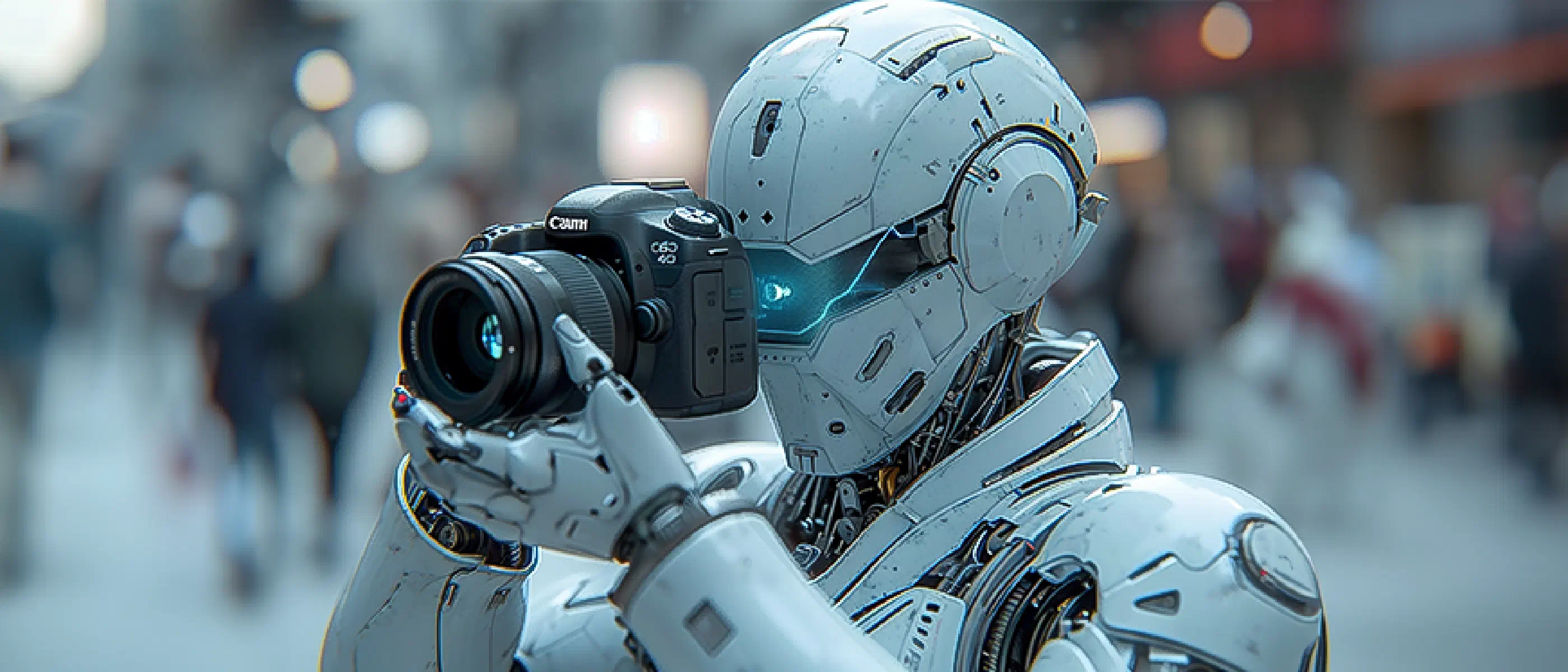
Every Wednesday, I post a photo/illustration that has been created by AI, with accompanying text and explanation.
I use Midjourney to create images and photos for my blog and other media. Today the topic of AI Photo Wednesday is my article on using ChatGPT to edit .htaccess
The Story
In the Google Search Console, you can see the links from your website that are known to Google and are regularly visited. When Google visits these pages, it means that they can be found on Google if they are deemed good.
Since a number of URLs were no longer present on the site, they had to be redirected. You can use redirects at the website level for this. I’m not very skilled with such things, so I asked ChatGPT. Click [here]/2024/why-chatgpt-can-be-useful for the article.
The Photo

Used Prompt
To have a nice, fitting illustration for this, I thought it would be nice to have a picture of a robot editing the file. Unfortunately, Midjourney didn’t quite understand what I meant. Nevertheless, it came close with the following prompt.
a bot typing on a computer, clearly showing it is editing .htaccess
This prompt resulted in a number of beautiful illustrations, of which I found the above the most beautiful.

Editing
As usual, I loaded the picture into Photoshop. I did the following steps:
- copy of the first layer
- convert layer to smart object
- apply a Camera Raw filter with the following settings:
- Exposure (+0.48)
- Contrast (+6)
- Highlights (-13)
- Shadows (+31)
- Whites (-32)
- Blacks (-24)
- Color:
- Vibrance (+12)
- For sharpness on the edges and details, I use detail:
- Sharpening (150)
- Masking (83)
I found the image itself too orange, too warm. Instead of using curves or color mixer, I used color grading. I pushed the midtones towards blue to make it appear cooler. On the other hand, I pushed the highlights a little more towards red/orange, making them a bit more intense.
Then I exported it to PNG and used it in my article.