AI Photo Digital Cleanup Day
Posted on February 14, 2024 • 2 min read • 314 words
Every Wednesday, I post a photo/illustration created by AI with text and explanation.
I use Midjourney to create images and photos for my blog and other media. Today’s topic is AI Photo of the Week - Digital Cleanup Day.
The story
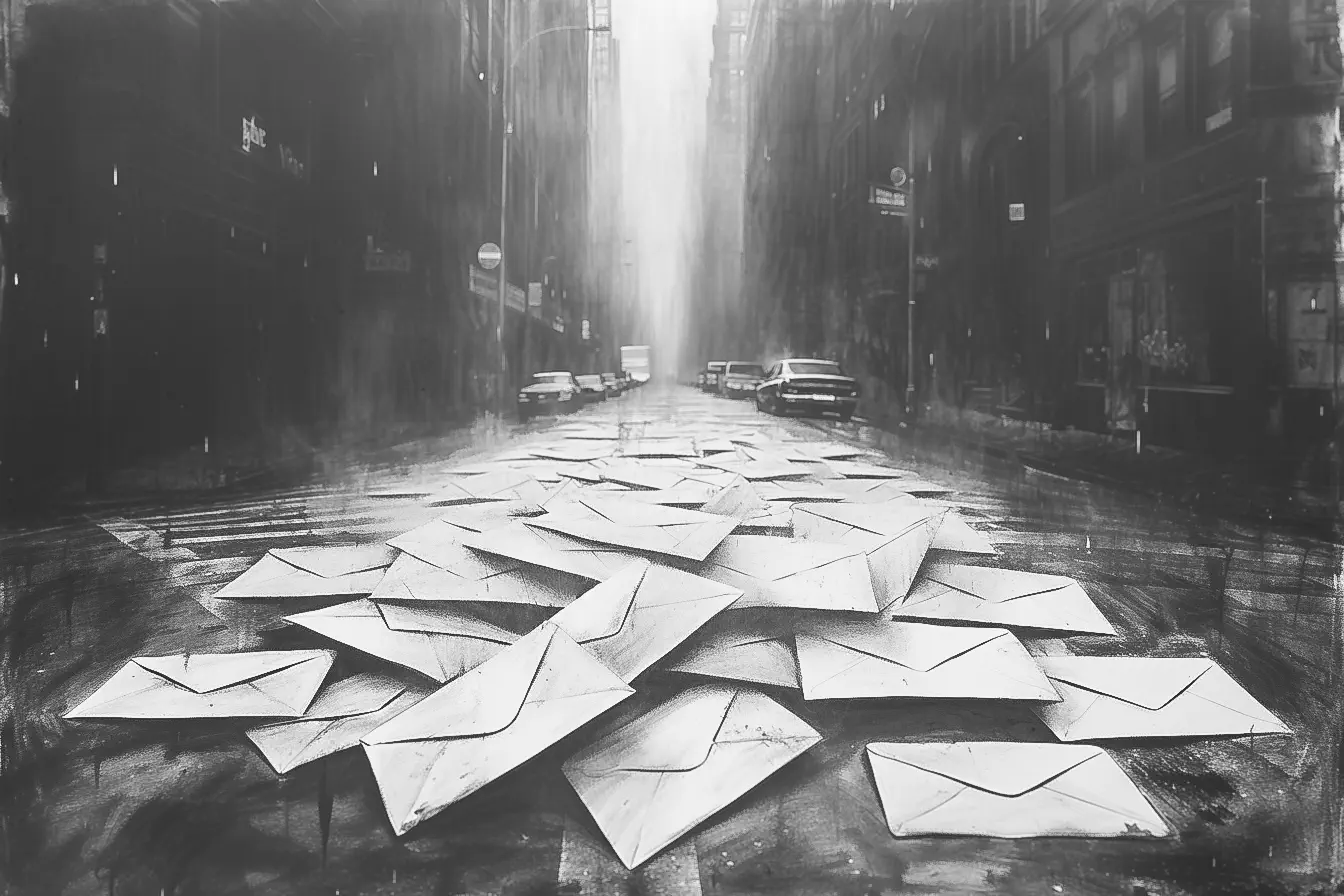
For an article about [Digital Cleanup Day]/2024/digital-cleanup-day), I needed a picture. In this case, it’s a bit hypocritical. Generative AI also uses quite a bit of electricity, which actually undermines a part of my article, but okay.
The photo
Used prompt
I started with the simplest prompt:
digital cleanup day
it produced:
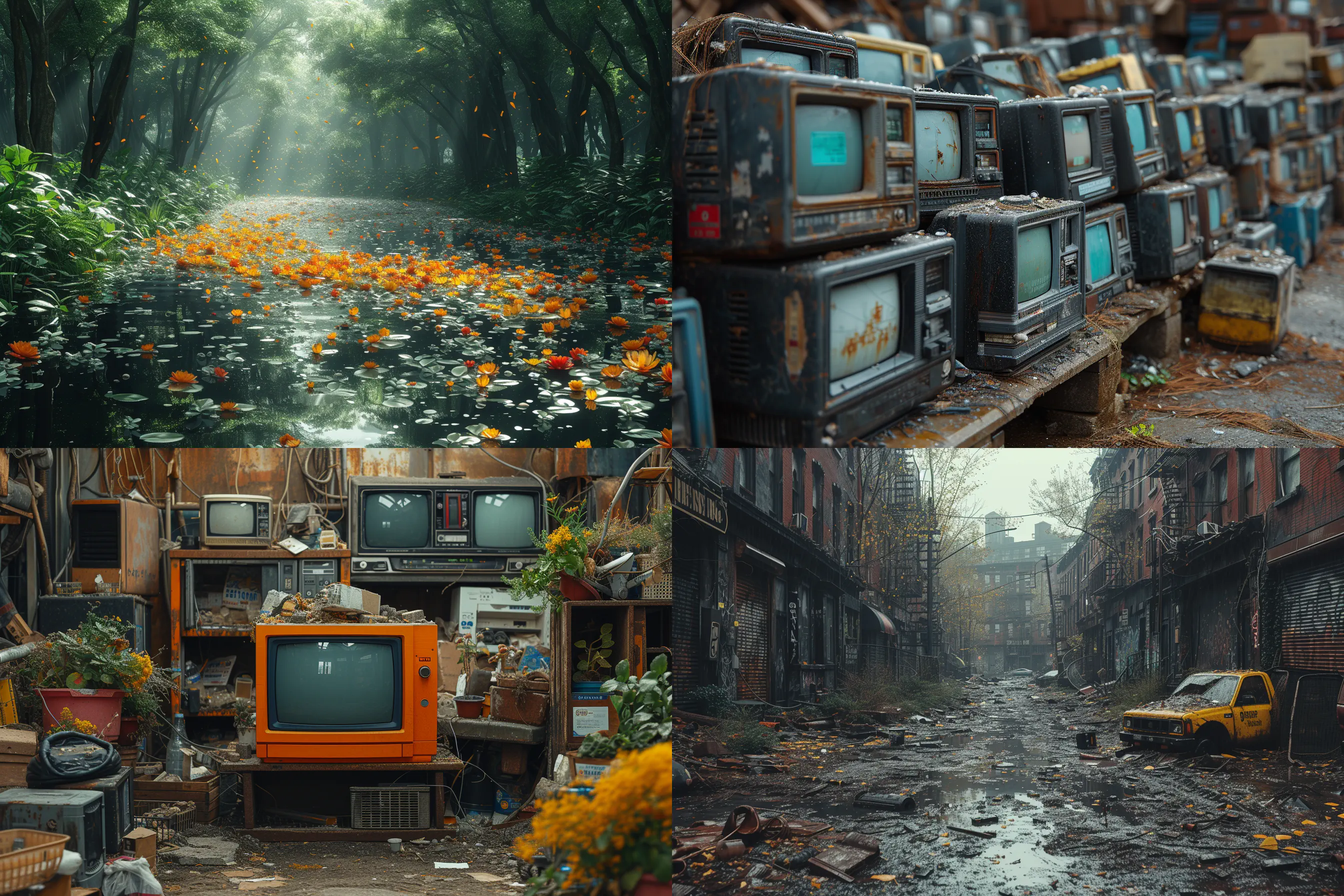
It was very colorful and messy. But I wanted something in black and white, so:
a black and white pencil drawing on a pile of e-mails in the middle of a street, next to images of tweets
Apparently, tweets and e-mails are printed on paper. You just have to follow the AI.
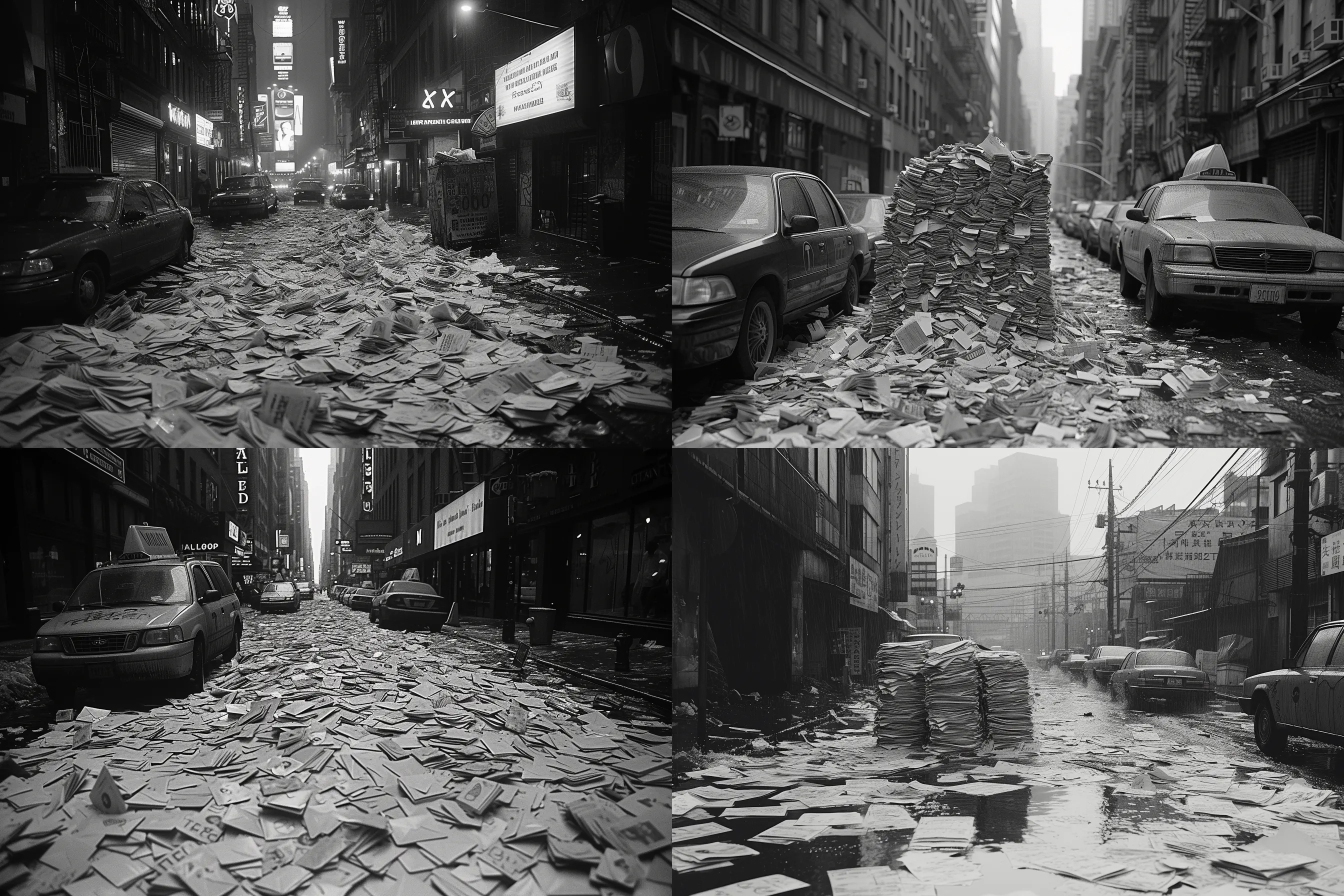
Nice pictures, but a bit too sharp. So that wasn’t quite it either. The next attempt was more what I meant.
a charcoal drawing of a pile of e-mails in the middle of a street, next to images of tweets
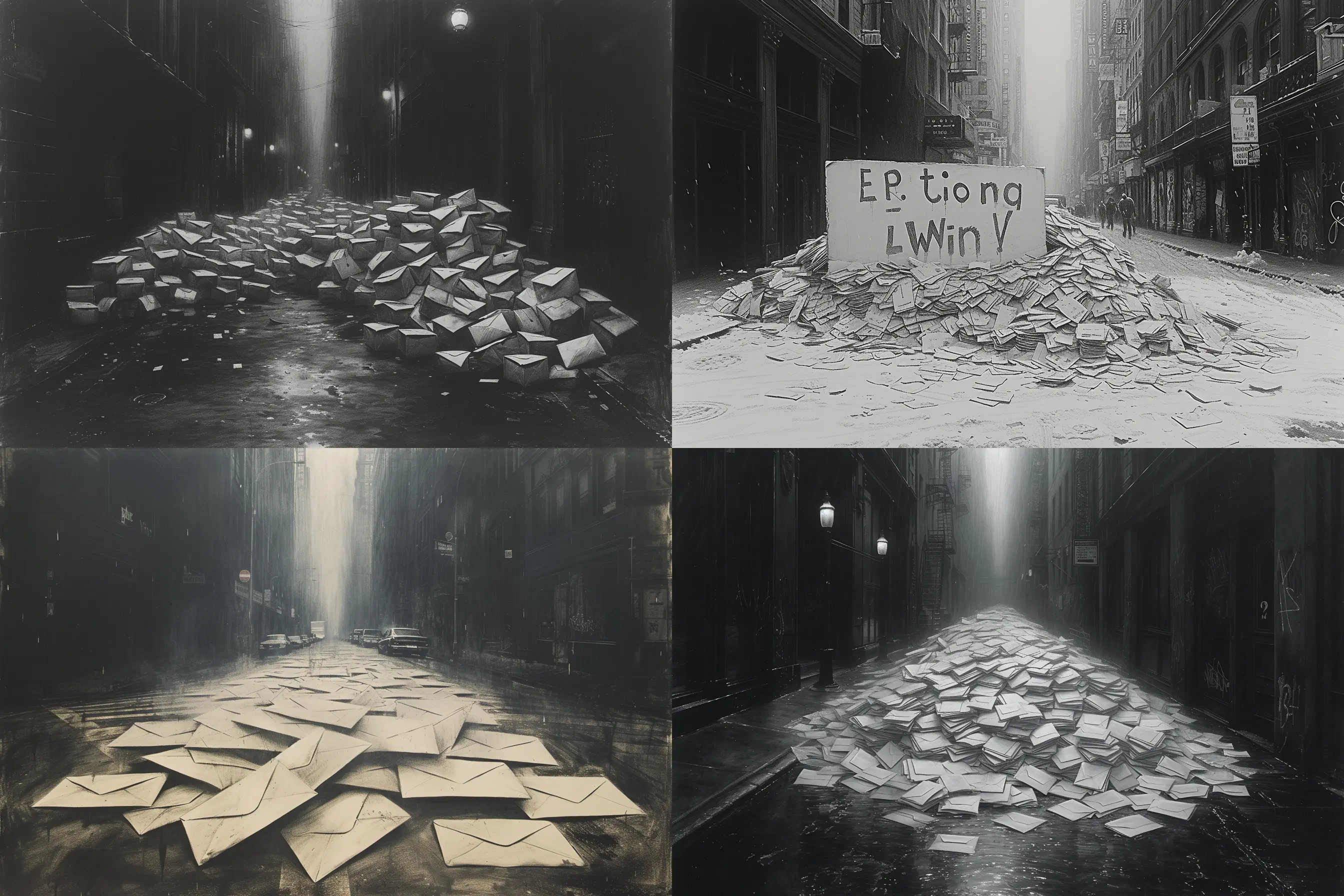
These were a bit more successful. I chose the picture on the bottom left.
Editing
I still found it a bit too yellow, so I changed a few things:
- open in Photoshop
- make a copy of the layer
- convert to smart object to be able to fine-tune later
- filter: camera raw
- light:
- exposure +0.07
- contrast +7
- highlights -38
- shadows +35
- whites +56
- blacks -12
- color
- saturation: -100
- tint +94 - makes certain details stand out better
- detail:
- sharpening: 150
- masking: 92, so the edges of the envelopes get a bit more sharpness (option-left mouse button move until the edges become clearer)
- lens blur:
- blur amount 12
- focus on the envelopes
- Bokeh: 5 blade
- focal range 40
- light:
Finally, saved as PNG and used in the article.