AI Photo Wednesday
Posted on January 10, 2024 • 2 min read • 422 words
Every Wednesday, I post a photo/illustration created by AI with accompanying text and explanation.
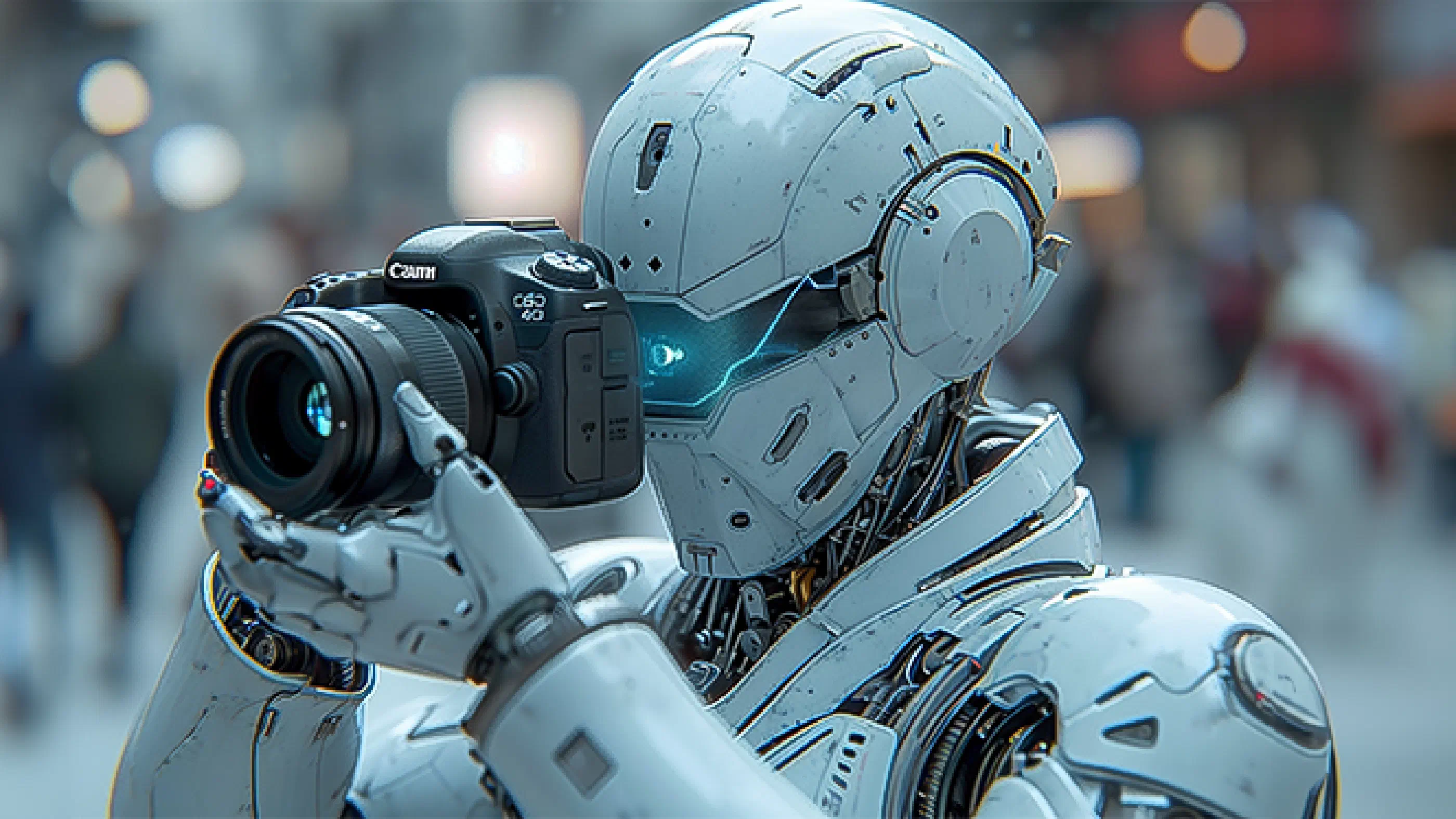
I use Midjourney to create images and photos for my blog and other media. Today’s topic is the AI Photo Wednesday itself.
The Story
As mentioned, I use Midjourney to create images and photos that I can pair with my articles. Not wanting to give too much away through the thumbnail, I wanted a picture that I could use throughout the entire series. How long the series will be, I do not yet know.
I am convinced that AI will play a significant role in everyone’s work. Whether we will be replaced by AI? I have no idea. However, I do think it’s wise to delve into what you can do with AI and how you could use it yourself. That’s why I’ve started this series.
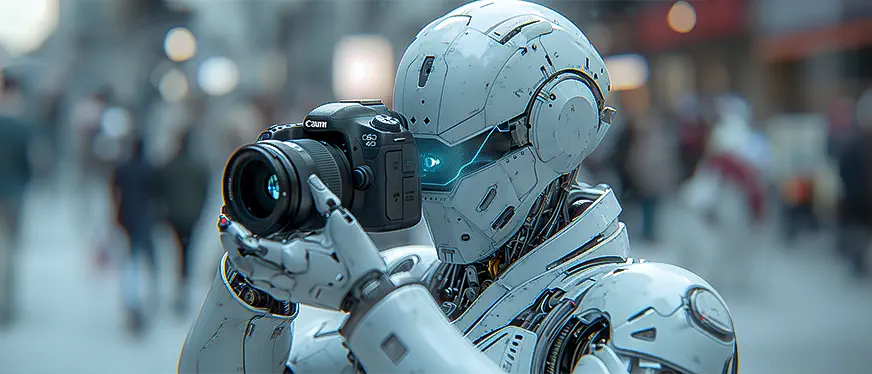
The Photo
Used Prompt
Below is the prompt I used to make the photo.
a robot taking a photo with a Canon cameraI was actually satisfied with the result right away. A robot with a camera, what more could you want? They were all pretty successful, really.
Editing
As for editing, I made some small changes. I increased the contrast (+6), boosted the shadows (+28), and reduced the whites (-26). I initially turned down the exposure, but that resulted in some odd things happening in the background that I would have to fix. I didn’t feel like doing that, so I reversed it.
Like with most pictures of this kind, I sharpen the photo (120) and then adjust the mask (96) to get crisp lines.
There was a slight blue tint over the photo, so I adjusted the blue (aqua -36) in the color mixer. I was actually quite happy with the rest of the colors.
The robot still needed to ‘pop’ a bit more, so I made a selection of the robot, inverted it, and added a brightness/contrast adjustment layer (-20).
The thumbnails on my site have a non-standard resolution, something along the lines of 872x374 pixels. To avoid zoom artifacts, I resized the picture to a height of 374 pixels. To then obtain the correct width, I increased the canvas size to 872x374.
Since there were now large areas of ’nothing’ on both sides, I selected these parts and filled them up with generative fill without a prompt. Finally, I put all the layers in a group and converted it to a smart object. Then I laid a camera raw filter over it with a vignette.