Home automation upgrade: Loxone
Posted on December 22, 2017 • 2 min read • 276 words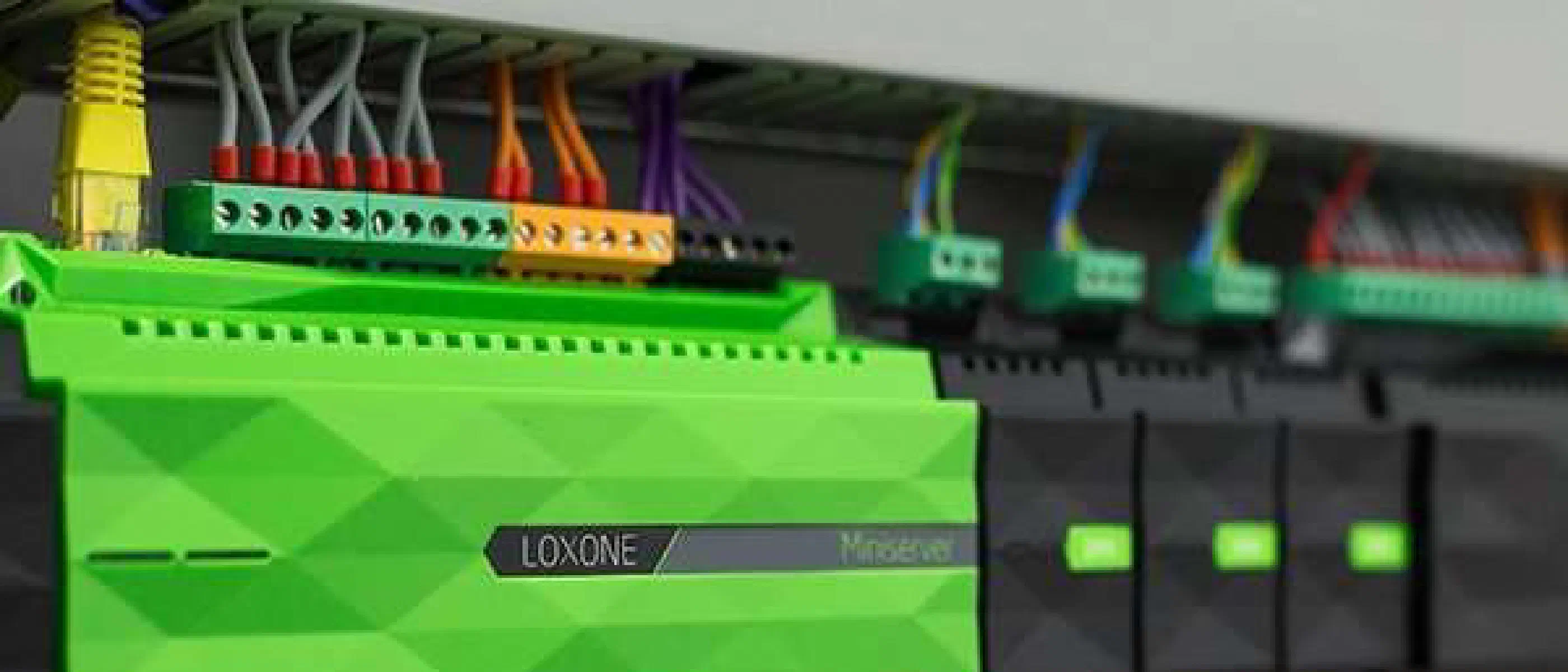
It’s almost time: The Fibaro Home Center is replaced by a Loxone MiniServer. Not that the Home Center is no longer sufficient, but I want more options for directly connecting switches and devices.
Before that happens, there are of course a number of things that need to be configured, screens created, and so on. In the near future I will explain how I did the integration and what options we now have.
Loxone
What exactly is Loxone?
Just like the human nervous system, Loxone connects all components in your home. All neural pathways converge in the Miniserver. This allows individual components to talk to each other: light, sun blinds, heating, push buttons, etc.
Through this synergy, the Miniserver anticipates the habits, wishes and needs of the residents, thus ensuring unparalleled living comfort.
– Loxone website
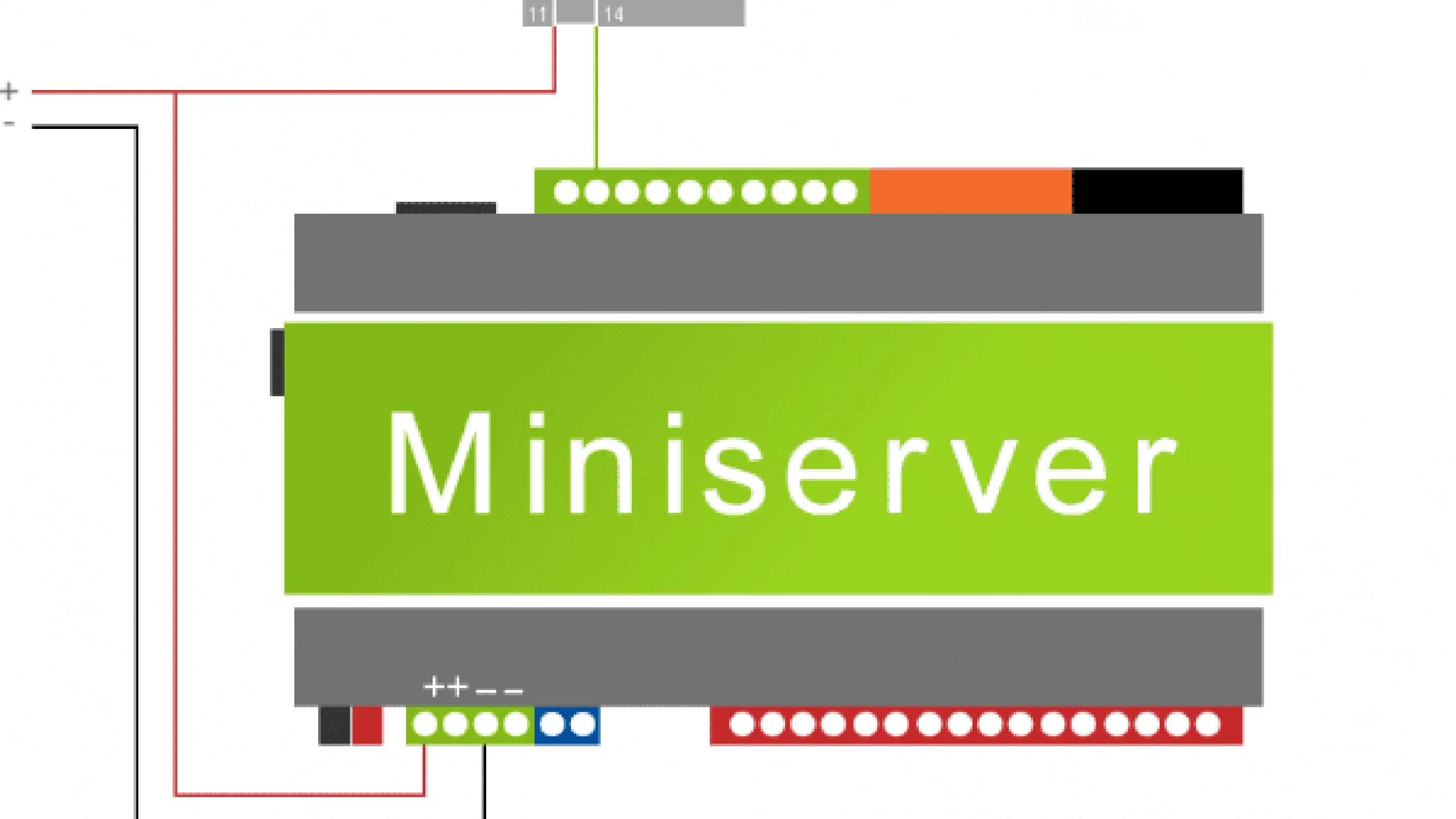
The Loxone Miniserver is available in two versions, the ‘standard’ Miniserver and the Miniserver Go. I opted for the standard Miniserver. This contains the following connections:
- 8 relay outputs – e.g. for the connection of 4 roller shutters (curtains) or 8 light circuits
- 8 digital inputs for connecting push buttons or sensors such as window and door contacts and more
- 4 analog inputs for connecting temperature sensors or humidity sensors
- 4 analog outputs, e.g. to connect analog valves
- LAN interface for programming, visualization and control of network devices, such as TV, PV installation, and the like
- KNX interface for communication with KNX products
With these options I can automate our home a lot further, without having to use wireless connections everywhere. In a next article I will discuss why I chose Loxone and how I can configure the mini server.