Connect Loxone to Fibaro Home Center
Posted on January 23, 2018 • 3 min read • 513 words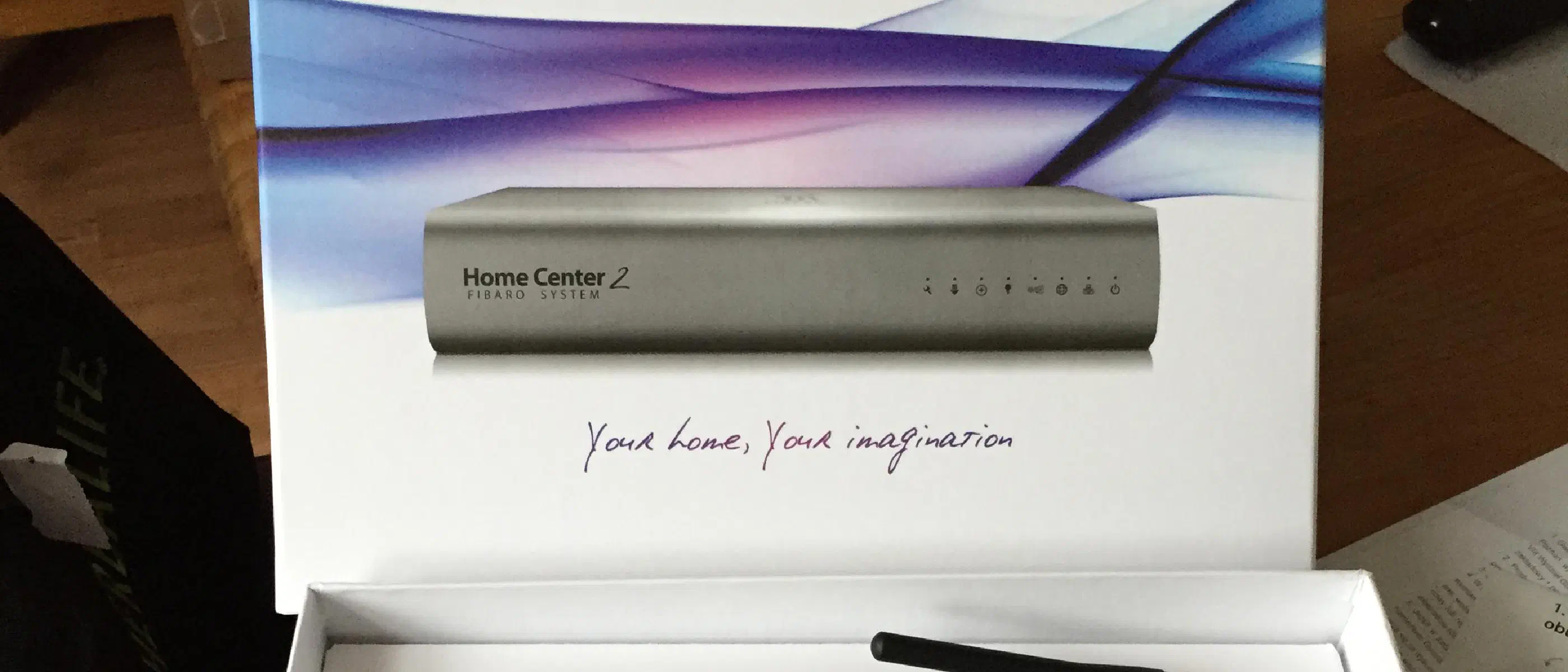
Some time ago, I bought a Loxone Miniserver to automate our house. I might be a bit old-fashioned, but I prefer to connect everything wired. This was also taken into account during the construction of our house. We still have several Fibaro wall plugs and sensors connected to a Fibaro Home Center (lite), but it would be a shame to say goodbye to them immediately. Fortunately, you can link systems and components to the Miniserver in a number of ways, such as the virtual outputs.
Linking Loxone with Fibaro – Virtual Output
Loxone knows the phenomenon of ‘virtual output’. A virtual output can be used to control devices via the network, provided it can be controlled via TCP, UDP, or HTTP. In addition, a virtual output can be used to turn on a device via a ‘magic packet’ ( Wake-on-LAN ). This allows you to control a large number of devices. In our situation, I use it to control the Denon amplifier, Apple TV, Samsung TV, and Sonos.
Create a user in Home Center
It might seem a bit paranoid, but even though you hang Home Center in your own network and you are the only one using the system, it is still wise to create a separate user in Home Center. This allows you to give rights to switch certain devices on or off. This also prevents this user from being able to make adjustments to Home Center. In this case, I created a user ’test’ with password ’test’. The user only has rights to a lamp called ‘Picture Lighting’ (it has to sound somewhat, right?)
Creating virtual output
Creating the virtual output is done in Loxone Config. Go to Virtual Outputs and click the button for a new virtual output. You can then specify the link you use to access Fibaro Home Center, in the format http://:@host, in this case: http://test:[email protected].
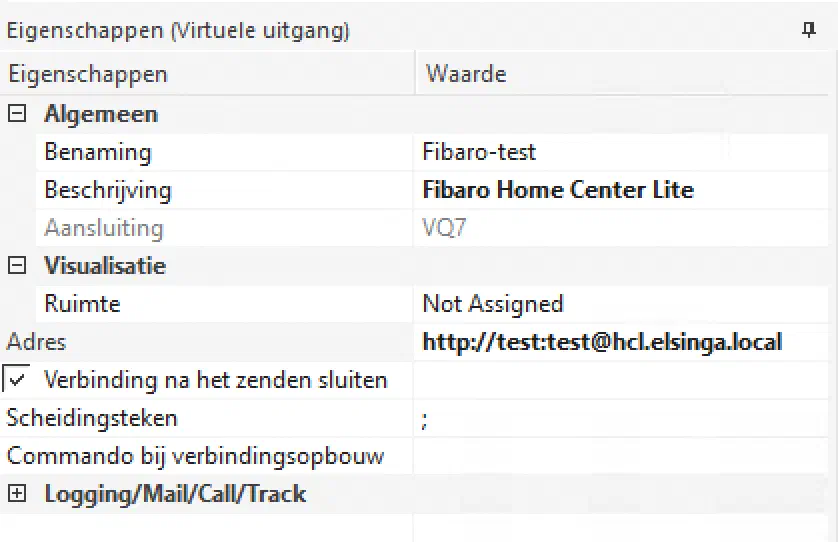 Make sure you don’t put parts of the URL in the address location. It doesn’t like that, or at least not for me.
Virtual output – command
Fibaro offers an API that can be used by Loxone to control devices. This is in the form of /api/callAction/?deviceID=&name=turnOn/turnOff. There’s also a REST API, but with that, I managed to read information, but not to control devices. I’m probably doing something wrong.
For this article, I’m using device 5, which is the picture lighting. Fill in the settings for virtual output command under ‘Command on ON’: /api/callAction?deviceID=5&name=turnOn and then under ‘Command on OFF’: /api/callAction?deviceID=5&name=turnOff When you then write the configuration to your Miniserver, you can control this lamp, at least, if you have linked the action to a (virtual) input or other intelligence.
And now?
I no longer use the above settings (anymore). Because I have a difficult password and wanted to use the new API, I have done some other things. I use a virtual machine in which I use a self-written service that provides the link to Fibaro, among other things. When the code is somewhat ‘cleaned up’, I will write an article about it.
![[Video Friday] Loxone: Automated living](/images/posts/2018/loxone1-2800x1575.webp)