Pi-Hole switch
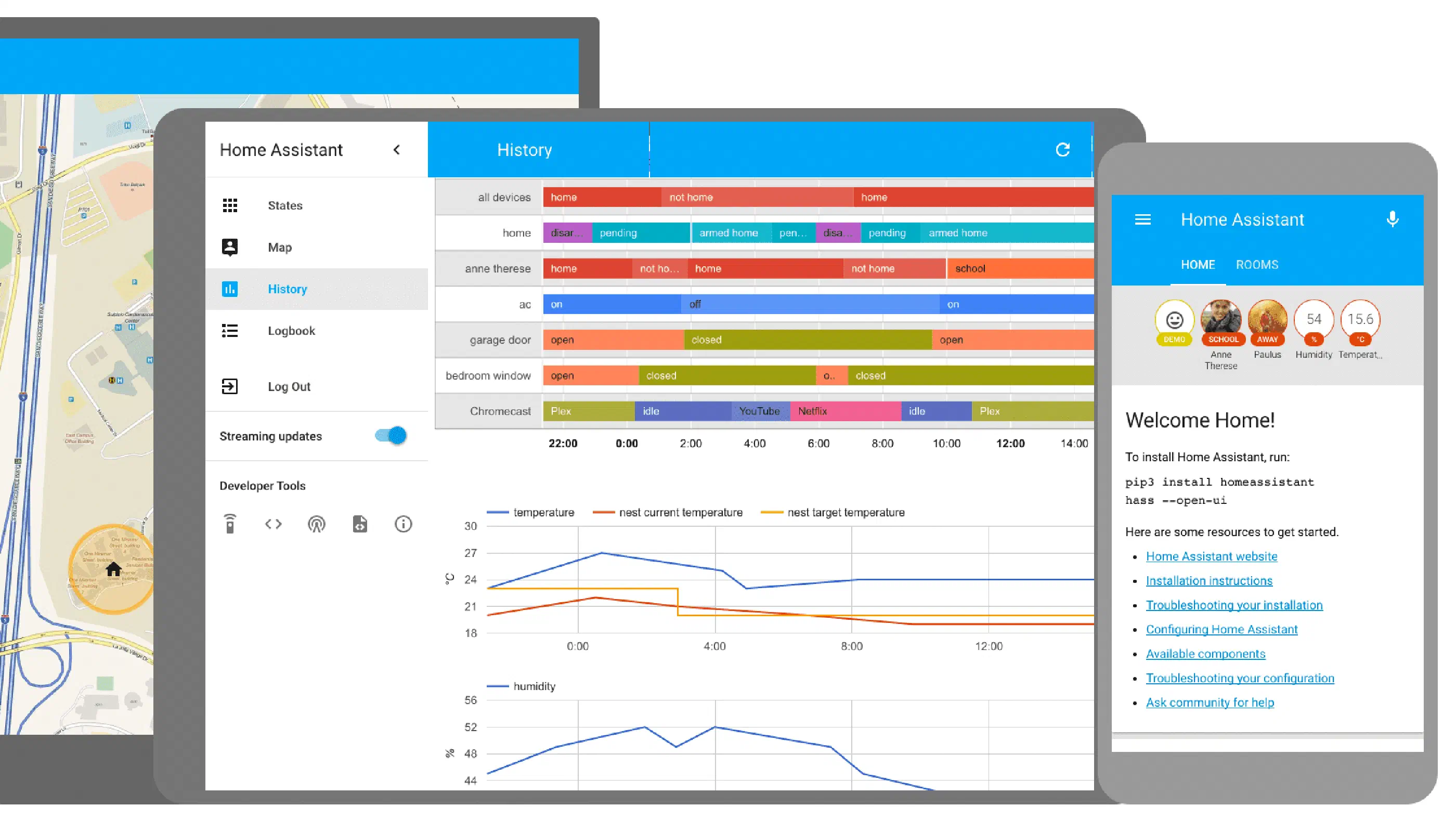
Posted on December 17, 2019 • 1 min read • 156 wordsI’ve had some trouble getting a proper Pi-Hole switch into Home Assistant. Eventually, I found something that worked. It wasn’t entirely what I wanted…
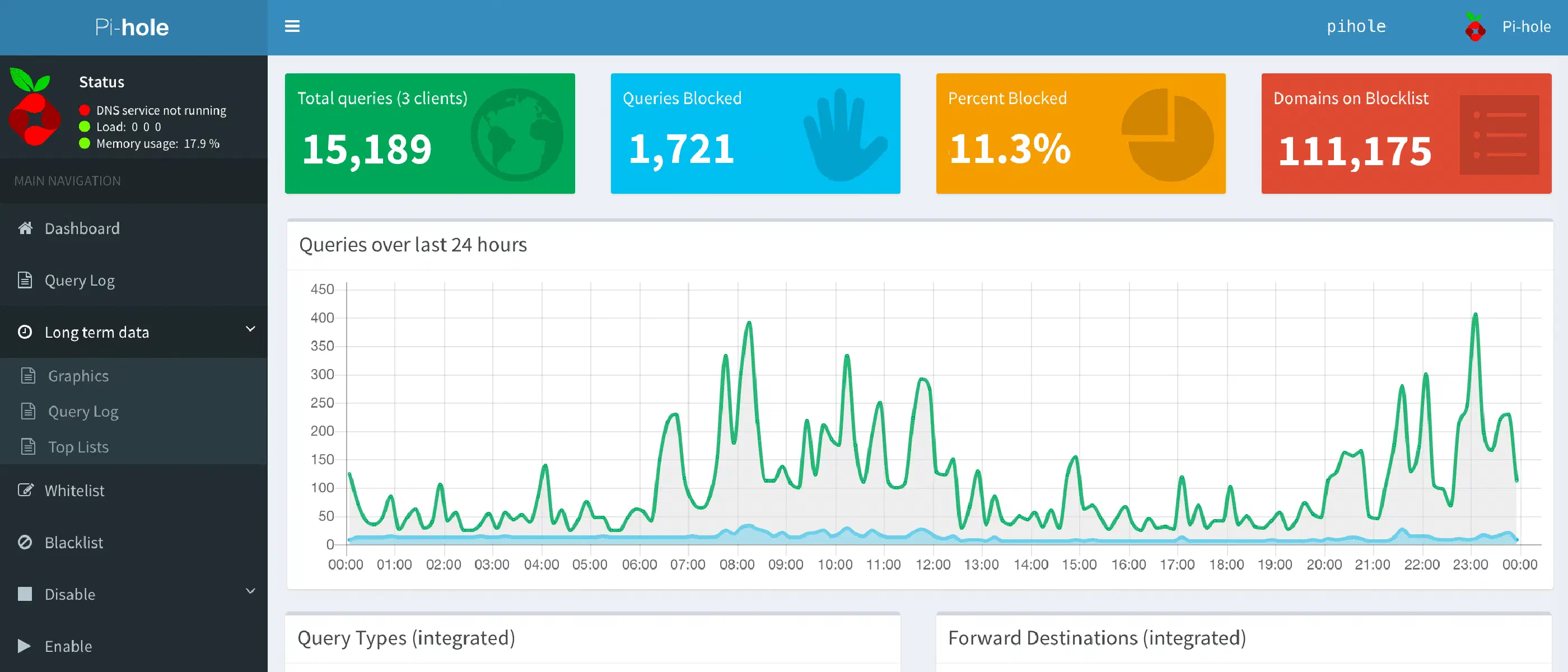
I’ve had some trouble getting a proper Pi-Hole switch into Home Assistant. Eventually, I found something that worked. It wasn’t entirely what I wanted, but at least it works AND I can explain to my wife how it works.
I used the command_line platform to create a switch that is based on the output of the following commands:
switch:
  - platform: command_line
    switches:
      pihole_switch:
        command_on: !secret pihole_command_on
        command_off: !secret pihole_command_off
        command_state: !secret pihole_command_state
        value_template: "{{ value_json.status == 'enabled' }}"
In secrets.yaml I added the following lines:
pihole_command_on:  "curl -X GET 'http://[IP address]/admin/api.php?enable&auth=[token]'"
pihole_command_off:  "curl -X GET 'http://[IP address]/admin/api.php?disable&auth=[token]'"
pihole_command_state:  "curl -X GET 'http://[IP address]/admin/api.php?state&auth=[token]'"
By putting this in scecrets.yaml I can push the configuration to GitHub, so you can profit from it.
UPDATE
There is an integration for Pi-Hole for Home Assistant rnow. Check out the link for more information: https://www.home-assistant.io/integrations/pi_hole/
You don’t have to use the method above, but for completeness I will let it live here.