Updates, phishing and crypto lockers
Posted on July 16, 2017 • 4 min read • 800 words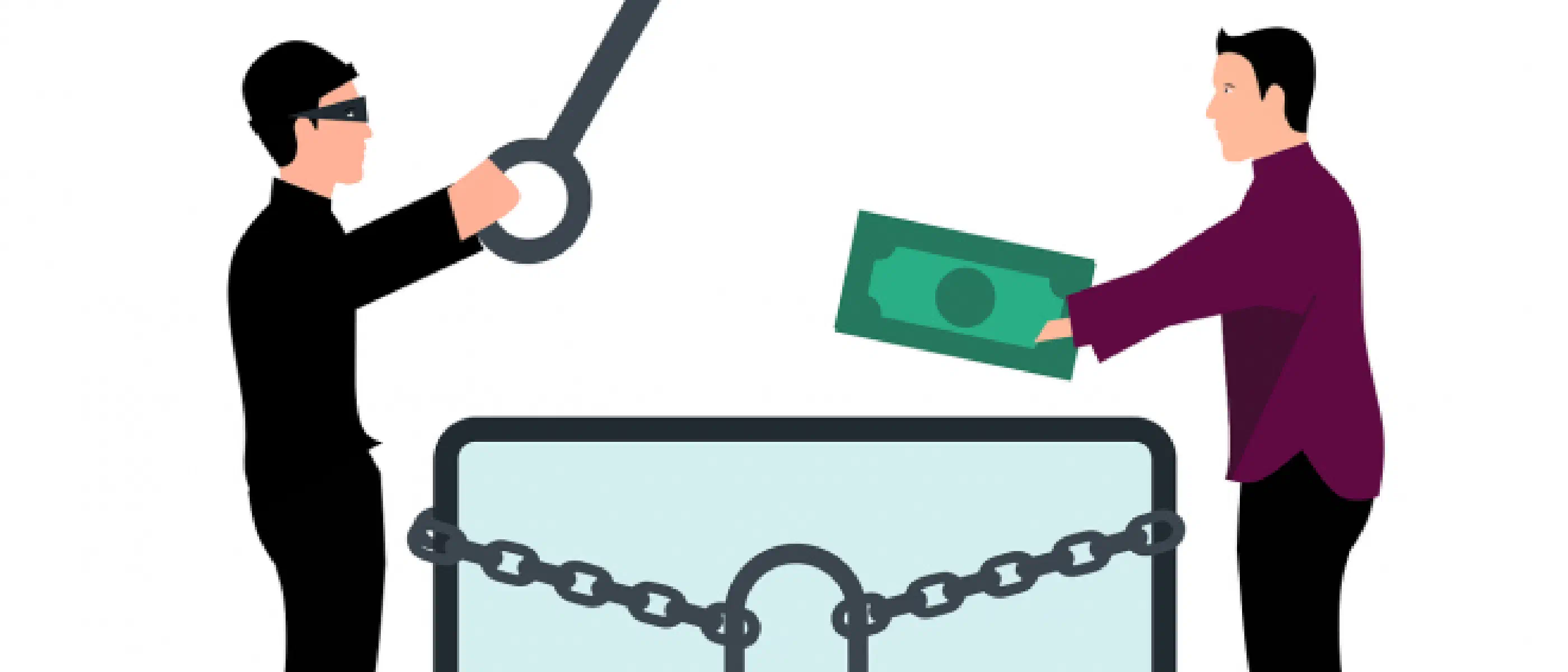
Irritating, when you are finally working on your document, another message pops up saying that it is high time that you install that update. You thoughtlessly click the message away for the umpteenth time.
Suddenly you get a vague message: ‘Your documents are now encrypted. Now transfer 1 bitcoin to address xyz’.
That’s just what you were waiting for. “Have I lost all my documents now?”
Yes, you have lost all your documents. You have been hit by a cryptolocker, or ransomware.
Ransomware
Ransomware does exactly what it says. It holds your documents, or your work, hostage. Just like with hostage takers, they ask for a ransom for your documents. If you pay the ransom, you may get the key to restore your files. Here too, there is a good chance that paying the ransom will lead to nothing. Often you can just whistle for your files. Can you imagine working on a document for weeks, if not months, only to lose it?
Nothing you can do about it?
Of course there is something you can do about it. Cryptolockers, viruses and other irritating software use leaks in software. Some are known to the software manufacturer, some are not.
Update
One of the most important things you should, yes must, do is make sure your computer has the most recent version of software installed. So don’t click away that message about updates, but install them.
*That is, if they are legitimate notifications of updates. So if you are on a website, you DO NOT click on that garish link that tells you in English that your computer is infected with a virus. Yes, after you click on it your computer is infected.
This also means that you have to replace software for which no updates have been released for some time. It may be very nice software that does exactly what you need, but it does put you at risk. It is then a trade-off between risk and necessity. Only you can determine its value.
Virus scanner
Seriously, use a virus scanner. Yes, it might make your computer slower, but it does ensure that the well-known viruses and crypto lockers are kept at bay. There are some that cost money, but there are also some that are free. Just make sure you have a virus scanner. And you don’t know which one is right, or you don’t know how to install it? Then ask someone near you. There are probably people who want to help you with this
Know what you click or reply to
Cryptolockers are not the only thing that can happen to you as an honorable internet citizen. Criminals try to get everything from you, from money and bank account number to your complete identity.
When you get a message on your computer and have no idea what it means? DO NOT CLICK. This also applies to mail that appears to come from your bank, insurance company, CJIB, PostNL, etc. Make sure you know what it’s about before you click. If you have clicked and they ask for your password or bank account number, do not give it. Companies never ask you for passwords, etc. via email.
Emails are regularly sent from companies, requiring you to respond ‘in a Word document or PDF’. This is a giveaway: so don’t do it. You are really giving away your data to malicious parties.
If you are not sure, check with the bank or company in question on the internet whether the bank account number provided corresponds to what it should be.
If you want to know more about phishing, watch the video below.
Backup
If you have gone for the ax, the only thing left is to restore a backup. Then of course you must have made one. Don’t you have one? Then I would start backing up quickly.
And no, copying all files to Dropbox or Onedrive is not a backup. The files in your Dropbox, OneDrive or similar are automatically copied from your computer. If the files there are infected, they will automatically be infected on that media as well. Sometimes (for example with Dropbox) you can retrieve previous files, but it is not intended as a backup.
Forewarned person counts for two
This now also applies to you. An infection can come from an unexpected source, but if you properly install updates and keep up with software versions, the chance becomes much smaller. And if you do become infected, you at least still have your backup.
Do you think this is all okay and that you don’t have to do this? Then you shouldn’t complain if things go wrong. You can only blame yourself. You wouldn’t cancel your insurance because you’ve never had a fire, would you? Well then.